01
Can I remove my own shadow from a photo?
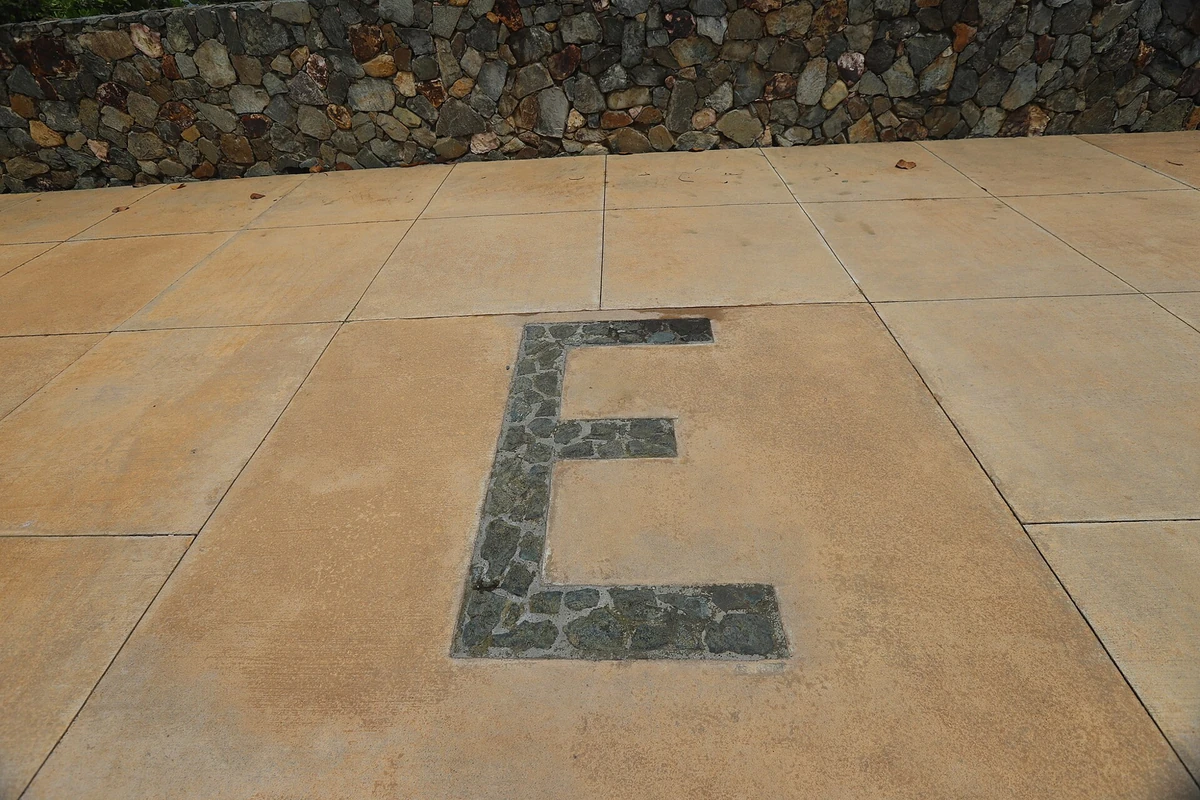
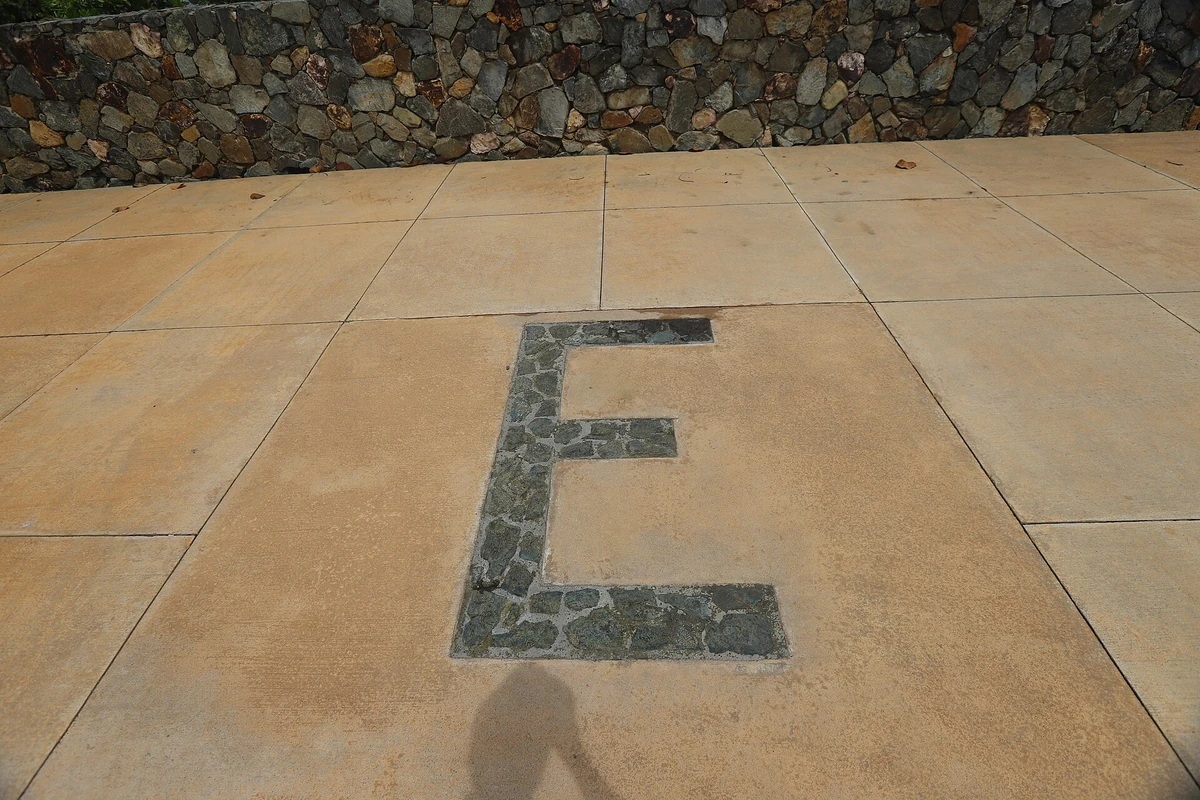
Yes. Your own shadow falling onto the ground, a wall, or a table is a typical cast shadow, and it is the case this tool handles best. Upload the photo, click "Remove shadow," and compare the result with the slider before you download.
02
Can it remove shadows from a face?
It can remove shadows cast onto a face, such as leaf, hat-brim, or window-frame shadows. It does not flatten the natural shading that gives a face its shape. If a shadow hides part of the face, the AI fills in a plausible version, which may not match the original exactly.
03
Will it remove the shadow under a product?
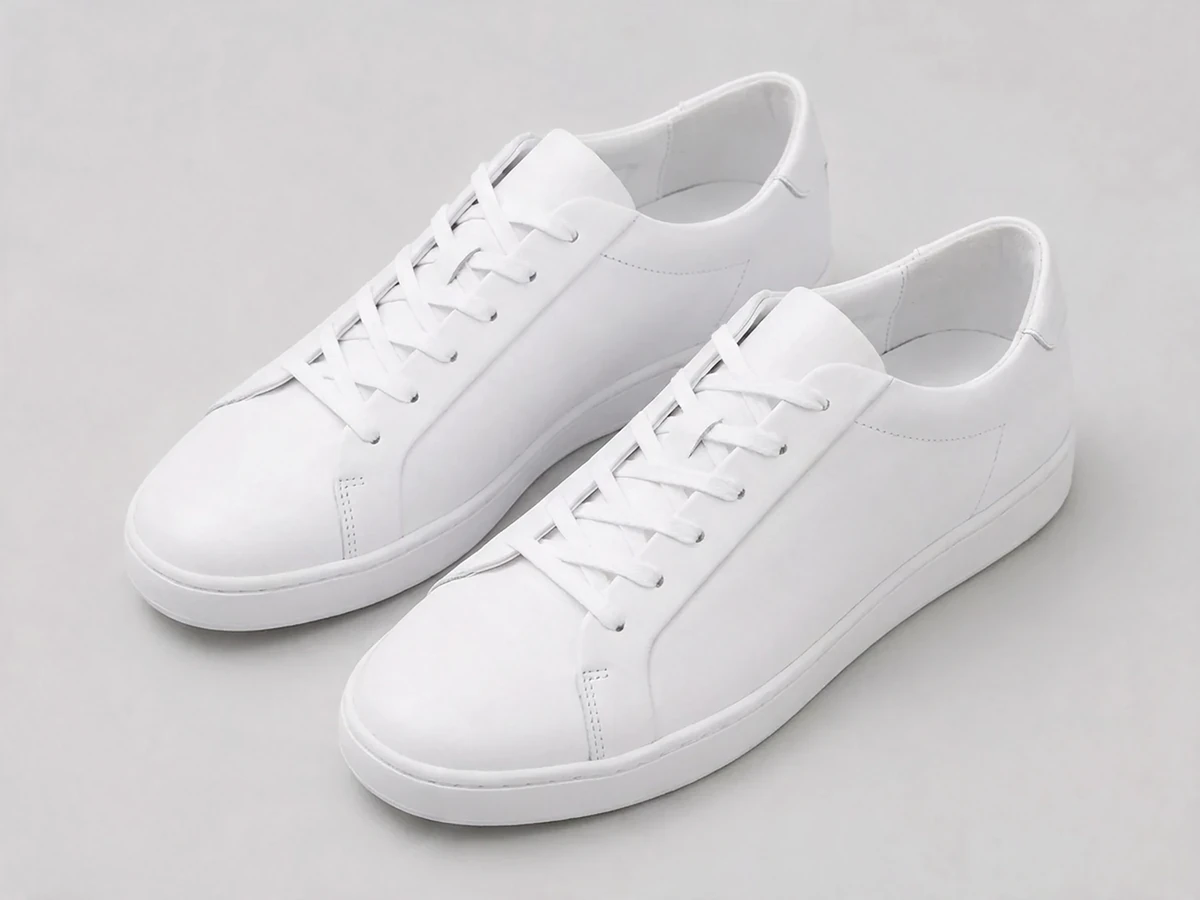
Usually not. The soft contact shadow where a product touches the surface is mostly kept, because removing it tends to make the object look like it is floating. To isolate a product on a plain background, use a background remover instead.
04
Can I remove shadows from a photo of a document or screenshot?
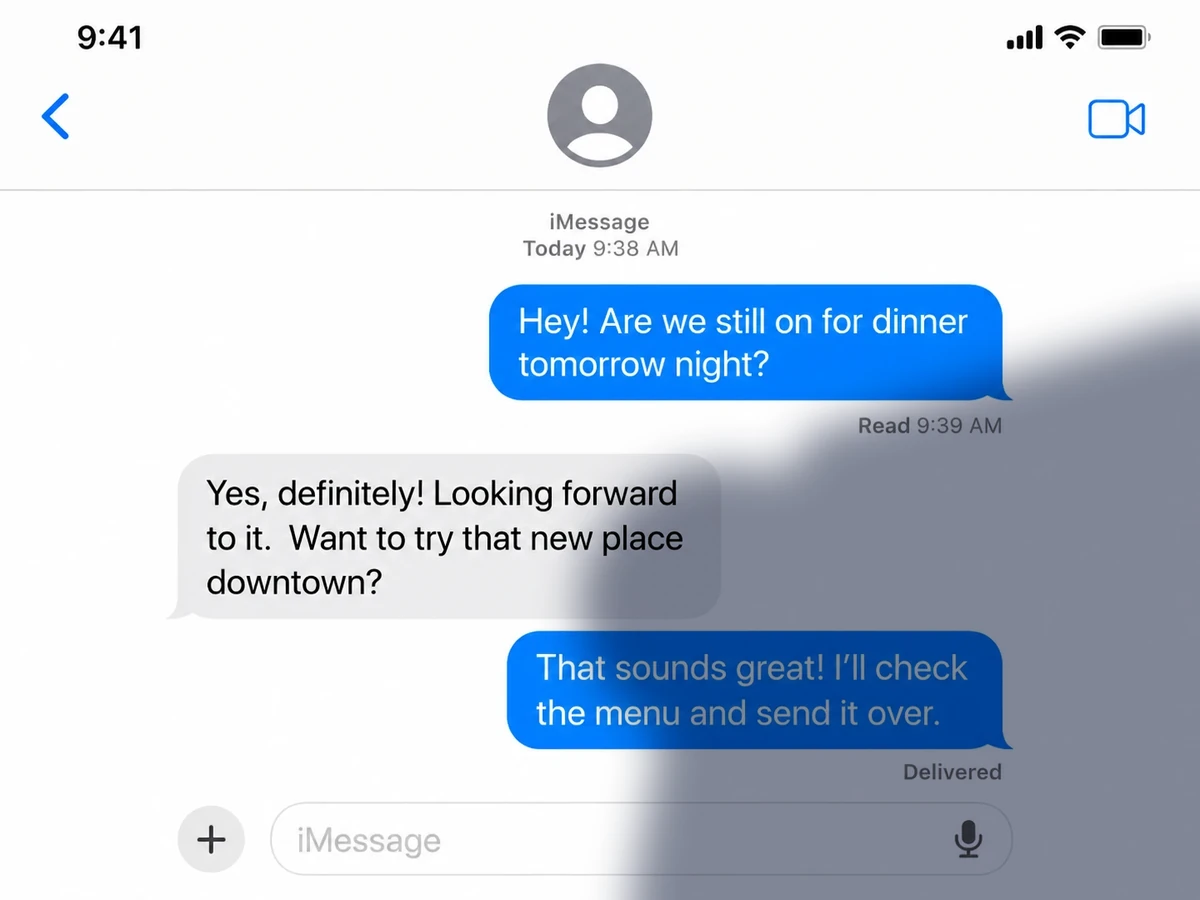
Yes. Shadows from a phone or hand across a page or screen are cast shadows, and in our test the text stayed readable and the background returned to its original color. Strong, uneven shadows on paper may still leave a faint trace.
05
Does the shadow remover change the rest of the photo?
The instruction tells the model to keep everything outside the shadow the same: the subject, composition, textures, text, colors, and white balance. In our tests, changes outside the shadow were very small, but it is an AI edit, so check fine details with the comparison slider before you use the result.
06
How much does it cost?
Each shadow removal uses 1 credit. You can try it without an account. For more images, see our pricing. If a run fails, the credit is returned.
07
What image formats and sizes are supported?
You can upload JPEG, PNG, and WEBP images up to 20 MB. The result downloads as a PNG at about 2.4 megapixels, so very large originals come back at a smaller size.
08
Does it work on iPhone and Android?
Yes. Open cleanremover.com/remove-shadow-from-photo in Safari or Chrome, upload a photo from your camera roll, and download the result. There is no app to install.